
EVERYTHING YOU NEED TO KNOW TO BECOME A SKETCHUP PRO.
The SketchUp & LayOut Complete Beginners Guide
This short course is designed for absolute beginners. An entry level series of easy to digest episodes packed with detailed explanations on all tools and drop down menus as if you've opened the program for the very first time. Also great as a refresher course in SketchUp if you are feeling a bit rusty.
More Info...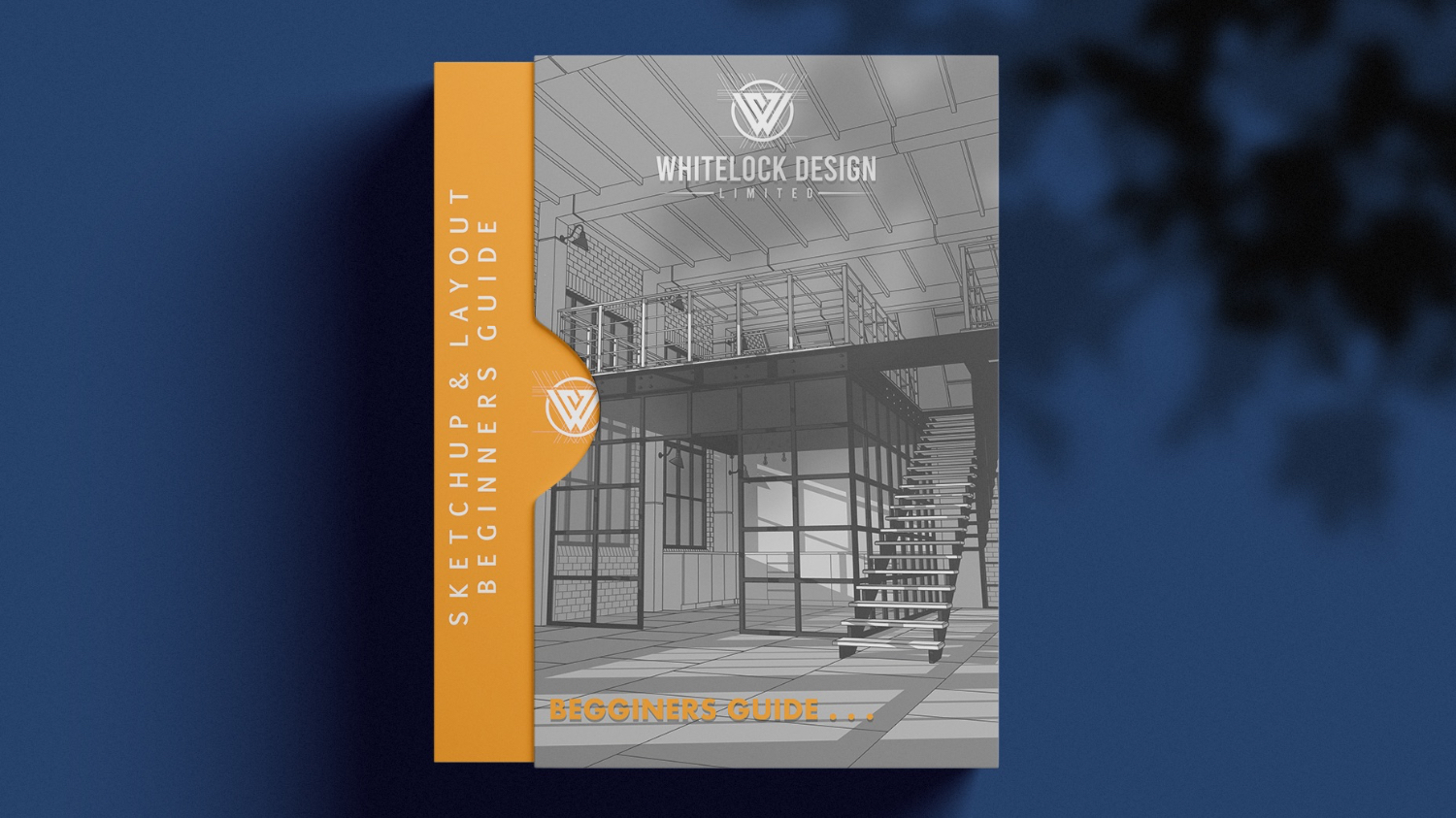
The SketchUp & LayOut Masterclass:
The Masterclass
The only course you'll ever need to become a SketchUp and LayOut Pro. 4 modules across 42 easy to follow episodes - 36 hours of in depth training with an official SketchUp Ambassador
More Info...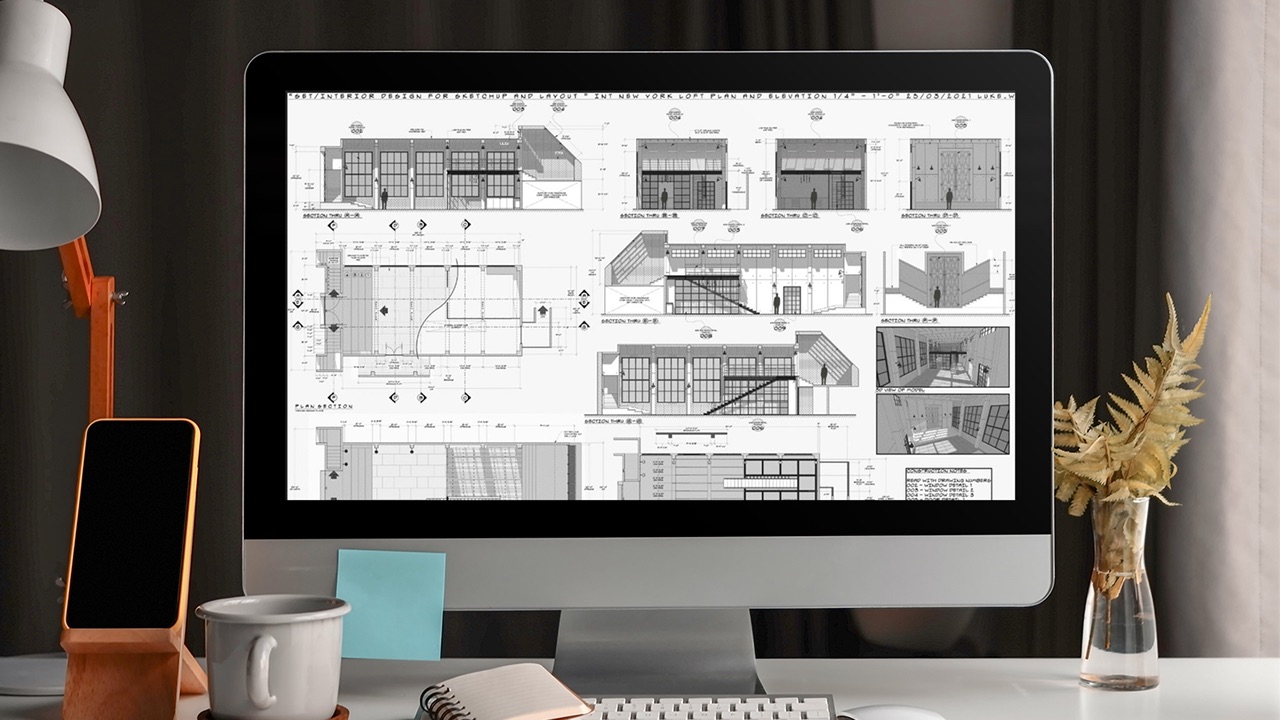
The SketchUp & LayOut Masterclass:
An Introduction to V-Ray
New for 2026 - This stand alone rendering course acts as a companion to "The SketchUp & LayOut Masterclass" For those interested in architectural visualisation. Really supercharge your SketchUp workflow with V-Ray. Click below for more info.
More Info...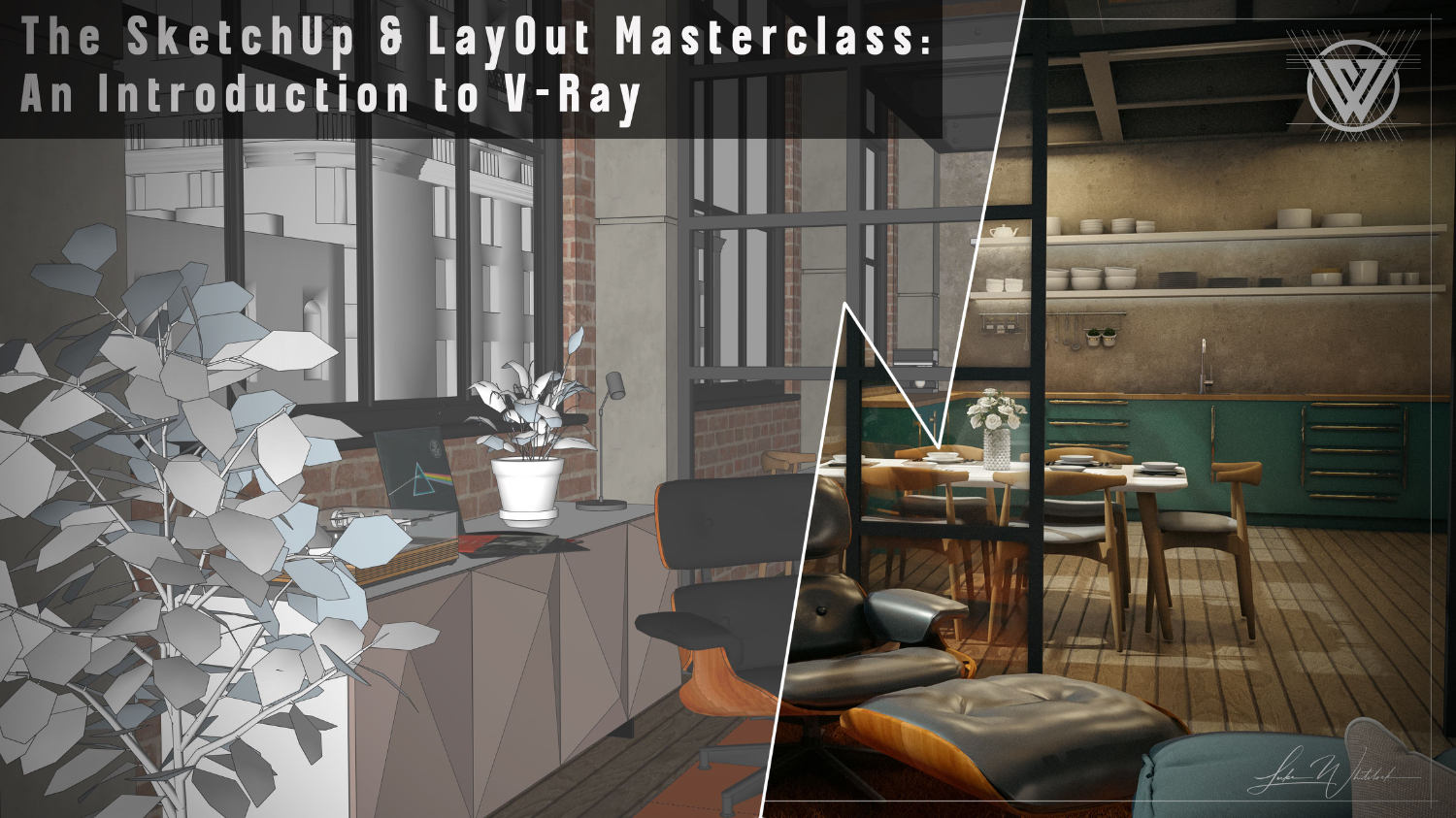
SketchUp and LayOut Masterclass Course Bundles
The SketchUp & LayOut Masterclass:
Ultimate Bundle
Save well £122.50 on this mega deal. You'll get:
The SketchUp and LayOut Complete Beginners Guide,The SketchUp and LayOut Masterclass, Windows & Doors Asset Pack, Sci-Fi Asset Pack, Staircase Asset Pack and The Scrapbook and Moulding charts.
Note: Introduction to V-Ray is not included in this bundle.
More Info...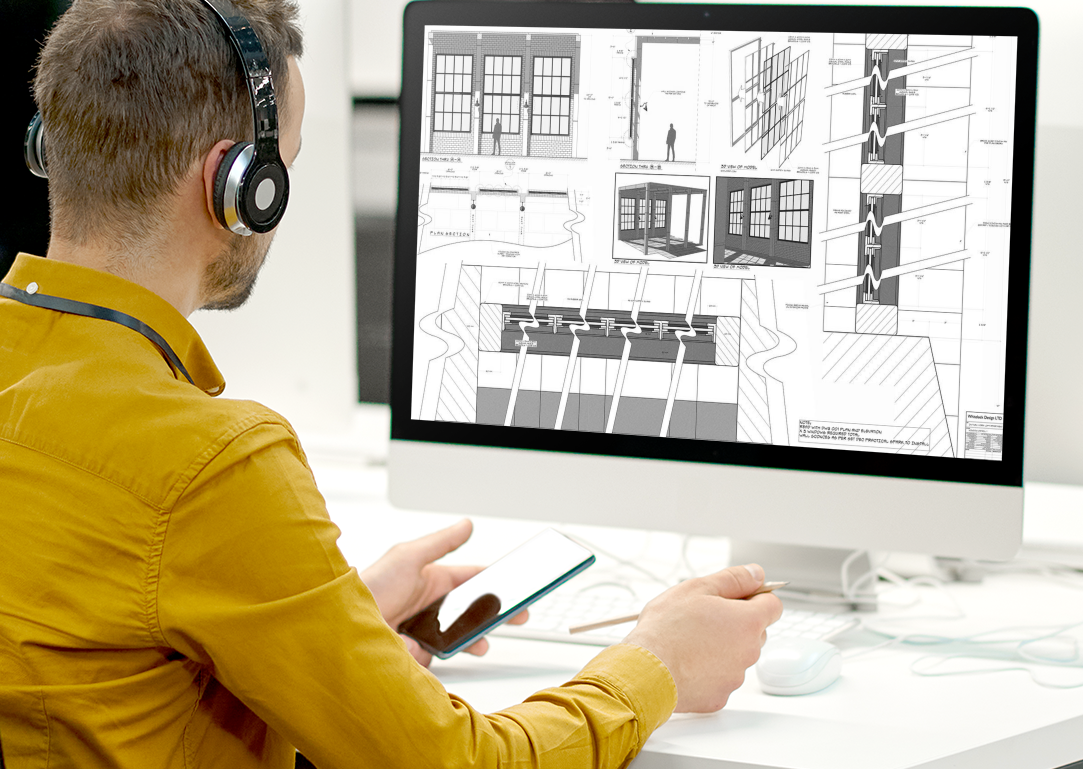
The SketchUp & LayOut Masterclass:
Beginner Bundle
Save over £75 with the beginners bundle. You'll get:
The Beginners Guide, Windows & Doors Asset Pack, Sci-Fi Asset Pack, Staircase Asset Pack and The Scrapbook and Moulding charts.
More Info...
SketchUp & LayOut: Asset Packs
Save time and money with these amazing asset packs. Full of hundreds of license free models you can use in your own designs. Stop endlessly scrolling the 3D warehouse and pick up an .Asset Pack today


Additional Resources
Additional packages to supercharge your workflow


Frequently Asked Questions
Yes, SketchUp Pro come with LayOut and although you could follow along with all the modelling techniques it would be beneficial to have a Pro license so that you can follow along with the Layout module too.
No, In fact I would encourage you to take your time. A good way to approach the courses is to watch all of the videos first. Then follow along, you'll find it much easier this way. You can watch and re-watch as many times as you like and you have lifetime access to the courses and course materials.
Each Masterclass is split into episodes (click on the ones you are interested in for how many episodes are in each course) I try to keep episodes to under 1 hour - some being shorter than this and some being a little longer, but maneagable chunks nonetheless.
the same is true of the beginners course which is also split into easy to follow short episodes.
I think with the Masterclasses it is important that you are at least familiar with basic SketchUp commands. However, I have had complete novices tackle the Masterclass and as I explain fully what I am doing on screen they have had no problem getting to grips with the program.
Head on over to my YouTube channel where you can sample an episode from the Masterclass for free.
If you still think it may be too difficult then my course for absolute beginners will take you from opening the program for the very first time and run through every tool and drop down menu with you to get your confidence up ready to tackle the Masterclass. this is also great for those wanting to brush up on all the tool commands and keyboard shortcuts.
Yes, All courses have a 14 day money back guarantee if you are not happy. this does not apply to the Asset packs and additional resources as these contain downloadable content which I will not be able to get back from you.
